
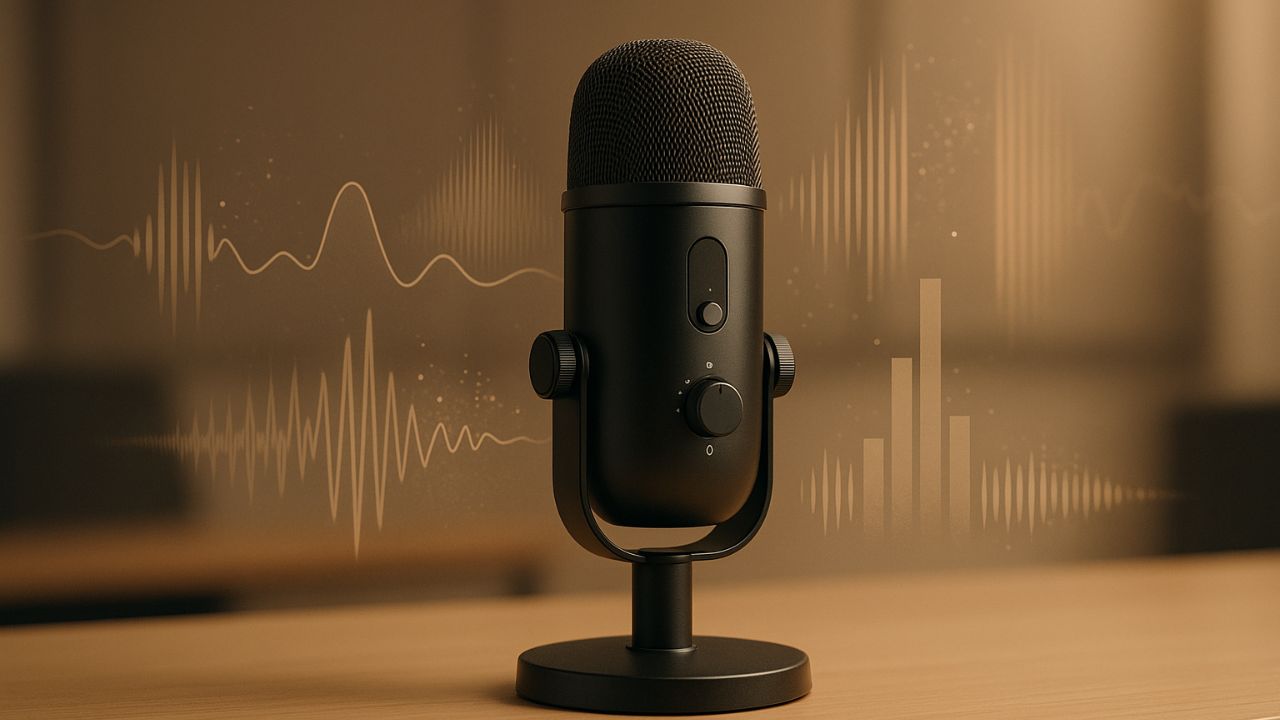
Background noise is one of the biggest quality killers in podcasts, videos, online courses, interviews, and voice recordings. Even good microphones can pick up hums, traffic, fan noise, keyboard clicks, or room echo. AI noise removal tools promise a simple solution: upload your audio, click a button, and get clean, professional-sounding output.
But not all tools perform the same. Some are great for speech, others struggle with music, and a few can damage voice clarity if pushed too far. This guide compares popular AI noise removal tools based on real-world use, focusing on clarity, ease of use, and practical results.
Table of Contents
How AI Noise Removal Works
AI noise removal tools use machine learning models trained on thousands of audio samples. These models learn to separate human voice from unwanted sounds like hiss, hum, wind, or background chatter.
Instead of using fixed noise profiles like traditional audio software, AI tools analyze patterns in real time. This allows them to adapt to changing noise and preserve speech better, especially in low-quality recordings.
Key Factors Used in This Comparison
To keep this comparison practical, the tools are evaluated on:
- Speech clarity after noise removal
- How natural the voice sounds
- Ability to handle different noise types
- Ease of use for beginners
- Control options for advanced users
Adobe Enhance Speech
Adobe Enhance Speech is designed specifically for voice recordings. It works entirely online and targets podcasters, interviewers, and video creators.
The tool is extremely simple to use. You upload your audio, and the AI automatically enhances it to sound like it was recorded in a studio. For spoken content, the results are impressive, especially for removing room echo and background hum.
However, it offers very limited control. You cannot fine-tune intensity, and it is not suitable for music or mixed audio. It works best for clean speech only.
Krisp
Krisp is popular for real-time noise cancellation during calls and recordings. It works both live and on recorded files, making it useful for meetings, online classes, and voiceovers.
Krisp performs well against consistent noise like fans, AC units, or keyboard sounds. Voice clarity is generally preserved, though aggressive settings can make speech sound slightly compressed.
It is easy to use and integrates with many apps, but advanced audio editors may find it too limited for post-production work.
Descript Studio Sound
Descript’s Studio Sound feature focuses on improving voice presence while reducing noise. It is built into Descript’s editing workflow, which makes it ideal for podcasters and video editors already using the platform.
Studio Sound enhances vocal tone and reduces background noise at the same time. For conversational audio, it produces clean and polished results. The downside is that it can sometimes make voices sound overly processed if applied too strongly.
This tool works best when combined with Descript’s editing features rather than as a standalone noise remover.
iZotope RX (Voice De-noise)
iZotope RX is a professional-grade audio restoration suite widely used in studios. Its AI-powered Voice De-noise module offers deep control and excellent results when handled carefully.
RX excels at complex noise problems, including variable background noise and distorted recordings. It allows precise tuning, which helps preserve natural voice texture.
The learning curve is higher compared to online tools, and it is overkill for casual users. However, for serious audio work, it remains one of the most powerful options available.
Auphonic
Auphonic combines AI noise reduction with loudness normalization and audio leveling. It is especially popular among podcasters who want consistent sound quality without manual editing.
The noise reduction is subtle but effective. It does not aggressively remove noise, which helps maintain a natural voice. For heavily noisy recordings, it may not be strong enough on its own.
Auphonic works best as a final polishing step rather than a rescue tool for poor audio.
Which Tool Should You Choose?
Choosing the right AI noise removal tool depends on your use case:
- For quick voice cleanup with no learning curve, Adobe Enhance Speech works very well
- For live calls and simple recordings, Krisp is reliable
- For podcasters and editors, Descript Studio Sound fits naturally into workflows
- For professional restoration, iZotope RX offers unmatched control
- For consistent podcast output, Auphonic is a solid finishing tool
Common Mistakes to Avoid
Many users over-apply noise removal, which can make voices sound robotic or hollow. Always listen carefully and use the minimum level needed. Another mistake is relying on AI to fix extremely poor recordings. While AI helps, clean source audio still matters.
Final Thoughts
AI noise removal tools have made clean audio accessible to everyone. What once required technical skills and expensive software can now be done in minutes. The best results come from matching the tool to your specific needs rather than expecting one solution to work for every situation.
With the right choice and careful use, AI noise removal can dramatically improve clarity and professionalism in your audio content.

Mark Chen is a technical product writer and editor who has spent a decade designing and documenting writing tools, editor plugins, and productivity workflows for publishers and SaaS teams. His professional background includes product management for AI-assisted drafting features, leading UX writing initiatives, and creating in-depth tool guides and tutorials. Expertise: content strategy, user-focused documentation, prompt engineering for writing assistants, and tutorial design. He has authored widely used tool guides, contributed to industry blogs, and led workshops.