
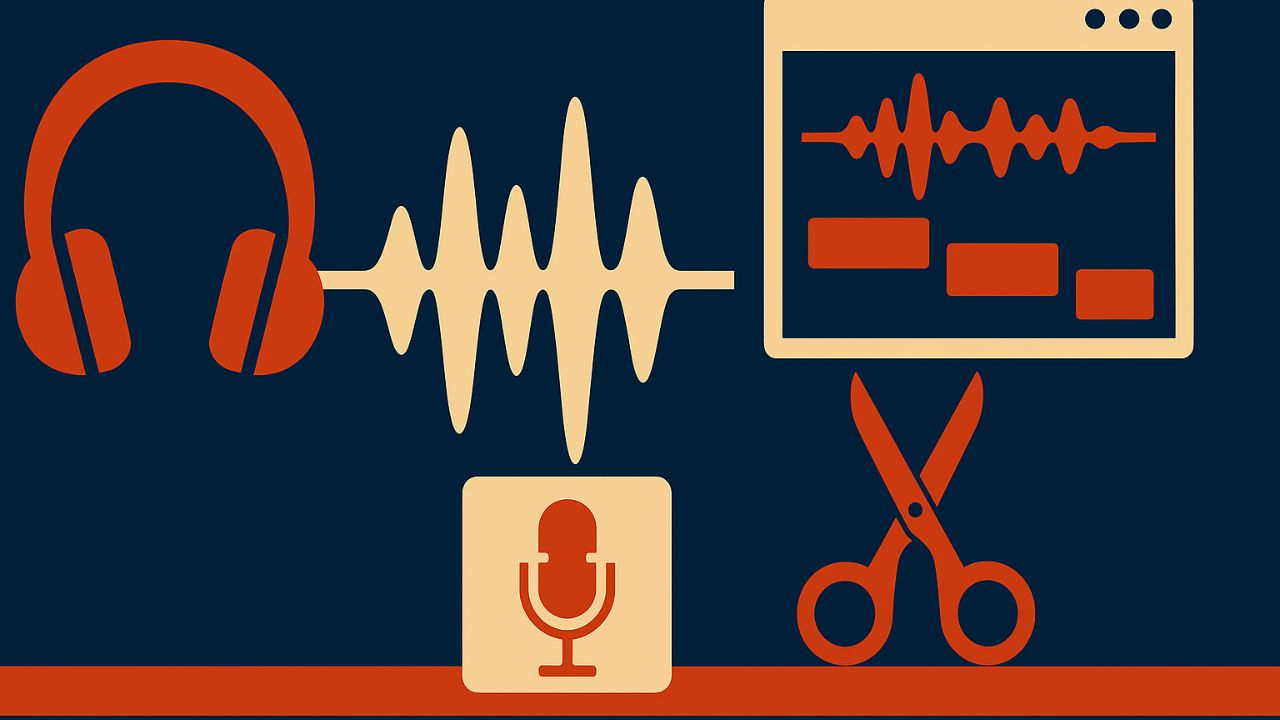
Podcast editing no longer has to be slow, technical, or intimidating. With modern AI audio tools, creators can clean recordings, remove mistakes, enhance voice quality, generate transcripts, and even produce publish-ready episodes in a fraction of the time. Whether you are a beginner podcaster or running a weekly show, an AI-assisted workflow can dramatically improve speed and consistency.
This guide explains a complete, practical workflow for podcast editing with AI—from raw recording to final export—using tools that are widely available today
Table of Contents
Step 1: Record Clean Audio (AI Helps, but This Still Matters)
AI tools work best when the input audio is reasonably clean. You do not need a studio, but follow these basics:
Record in a quiet room with minimal echo
Use a decent USB or XLR microphone
Record separate tracks for each speaker if possible
Avoid clipping by keeping levels moderate
AI can fix noise, pauses, and volume issues, but it cannot fully repair extremely distorted or echo-heavy audio.
Step 2: Import Audio Into an AI Editing Tool
Once recording is done, upload your audio files into an AI-powered podcast editor or audio enhancement tool. Most tools accept WAV or high-quality MP3 files and process everything in the cloud.
At this stage, the tool usually analyzes your audio automatically and detects:
Speech vs background noise
Silence and filler words
Volume inconsistencies
Speaker differences
This analysis forms the base for the entire AI editing process.
Step 3: AI Noise Removal and Audio Cleanup
This is where AI editing shows its biggest advantage.
With one click, AI tools can:
Remove background noise like fans, traffic, or AC hum
Reduce echo and room reverb
Eliminate mouth clicks, pops, and hiss
Smooth harsh frequencies
Unlike traditional EQ and noise gates, AI models separate voice from noise intelligently, which keeps speech natural instead of robotic.
Always preview the result before moving forward. Over-processing can make voices sound thin if pushed too far.
Step 4: Automatic Silence and Filler Word Removal
Most AI podcast editors can automatically detect and remove:
Long pauses
“Um,” “uh,” “you know,” and similar fillers
Awkward gaps between sentences
You can usually control sensitivity levels, so the conversation still sounds natural. For interview podcasts, it is often better to reduce fillers lightly instead of removing everything.
This step alone can cut editing time by 50–70%.
Step 5: Text-Based Editing Using Transcription
One of the most powerful AI features is text-based audio editing.
The tool generates a full transcript of your podcast. You can then:
Delete sentences directly from the text
Trim mistakes by editing words, not waveforms
Rearrange sections by moving paragraphs
When you edit the text, the audio updates automatically. This makes editing feel more like working in a document than in complex audio software.
Always scan the transcript for misheard words, especially names or technical terms.
Step 6: Voice Enhancement and Loudness Normalization
After cleanup and editing, AI tools optimize voice clarity and volume.
Typical enhancements include:
Equalizing voice tone automatically
Balancing loudness across speakers
Applying podcast-standard loudness levels
Improving clarity for mobile listeners
Most tools target industry loudness standards so your podcast sounds consistent across Spotify, Apple Podcasts, and YouTube.
Step 7: Music, Intro, and Outro Placement With AI Assistance
AI tools can help with structural tasks too.
You can:
Auto-duck background music under speech
Insert intro and outro clips at set positions
Adjust music volume dynamically
Some platforms even recommend music levels based on voice type, reducing the need for manual mixing.
Step 8: AI Quality Check Before Publishing
Before exporting, many AI editors run final checks such as:
Detecting clipping or distortion
Flagging abrupt cuts
Identifying uneven volume changes
This acts like a final proofread for audio and helps catch mistakes that are easy to miss after long editing sessions.
Step 9: Export and Distribution-Ready Files
Export your episode in the required format, usually:
MP3 (128–192 kbps) for podcasts
WAV for archiving
Separate clips for social media
Some AI tools also generate:
Show notes from transcripts
Episode summaries
Social captions and timestamps
This extends AI benefits beyond editing into publishing and promotion.
Common Mistakes to Avoid When Using AI for Podcast Editing
Over-cleaning audio until it sounds artificial
Removing all pauses and making speech rushed
Skipping manual review of AI edits
Relying on AI without basic recording hygiene
AI is a powerful assistant, not a replacement for judgment.
Final Thoughts
Podcast editing with AI transforms a traditionally slow, technical process into a fast, repeatable workflow. By combining automatic cleanup, text-based editing, voice enhancement, and publishing support, creators can focus more on content and less on software complexity.
Used correctly, AI does not replace creativity—it removes friction. With a solid workflow and light human oversight, AI-powered podcast editing can help you produce professional-quality episodes consistently, even with limited time or technical experience.

Lena Park is a creative technologist specializing in image generation and audio tools, with over eight years leading multimodal AI projects for startups and media studios. Her professional background includes building GAN- and diffusion-based pipelines, designing sample-based synthesis systems, and consulting on audio-visual product roadmaps. Expertise: generative image modeling, neural audio synthesis, model evaluation, and UX for creative tools. She has published white papers on multimodal workflows, spoken at industry conferences, and contributed to open-source toolkits.