
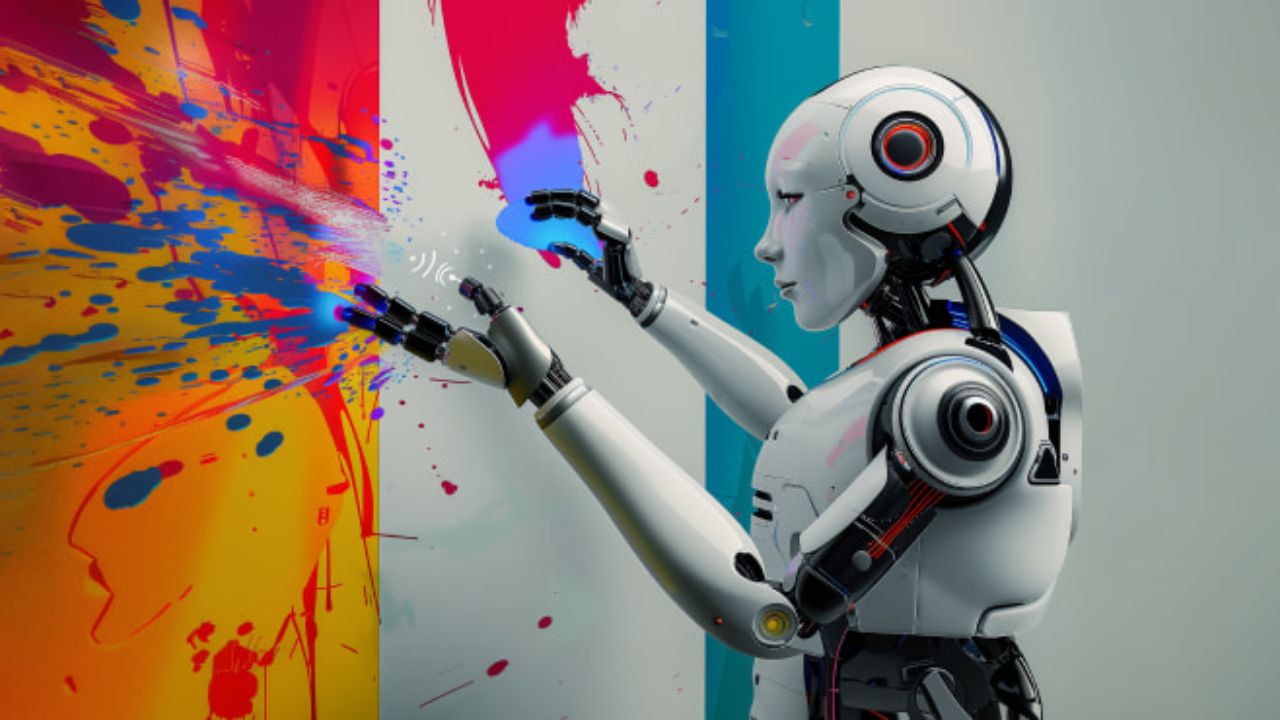
AI image tools have moved far beyond novelty. What started as simple text-to-image experiments has now become a core part of modern digital design workflows. Designers, marketers, founders, and creators are using AI not to replace creativity, but to speed up execution, explore ideas faster, and reduce repetitive work. The result is a noticeable shift in how visual design projects are planned, produced, and delivered.
From Blank Canvas to Rapid Ideation
Traditional design workflows often begin with a blank canvas, mood boards, and multiple rounds of brainstorming. AI image tools change this starting point completely. Instead of spending hours searching for references or sketching rough concepts, designers can generate multiple visual directions in minutes.
Table of Contents
By experimenting with prompts, styles, and compositions, teams can quickly explore variations for layouts, color schemes, lighting, and art direction. This makes early-stage ideation more visual and less abstract, helping stakeholders align faster before committing to a final direction.
Faster Prototyping and Concept Validation
One of the biggest impacts of AI image tools is speed. Designers can now prototype ideas without fully building them. Landing page hero visuals, ad creatives, product mockups, and social media concepts can be generated quickly to test reactions.
This rapid prototyping allows teams to validate ideas earlier in the process. Instead of waiting for polished designs, concepts can be reviewed, refined, or rejected at a fraction of the usual time and cost. This is especially valuable for startups and small teams working with limited resources.
Reducing Repetitive Design Tasks
Many design tasks are repetitive by nature. Background creation, image resizing, style variations, and visual adjustments often consume time that could be spent on creative thinking. AI image tools help automate or simplify these steps.
Designers can generate multiple size variants, adjust styles, or enhance image quality without rebuilding assets from scratch. Upscaling, background replacement, and object removal are becoming standard parts of AI-assisted workflows, allowing designers to focus more on strategy and storytelling.
Improving Collaboration Between Teams
AI-generated visuals are making collaboration smoother across design, marketing, and product teams. Non-designers can use AI tools to create rough visuals that communicate ideas more clearly than text alone.
Marketers can propose campaign visuals, product teams can mock up feature concepts, and educators can create illustrations without relying entirely on design teams. Designers then refine and elevate these assets, rather than starting from zero. This shared visual language reduces misunderstandings and speeds up approvals.
Expanding Creative Exploration Without Extra Cost
Exploring multiple creative directions used to be expensive and time-consuming. AI image tools lower that barrier. Designers can test bold styles, unusual compositions, or niche aesthetics without committing hours of manual work.
This encourages experimentation. Teams are more willing to try unconventional ideas because the cost of failure is low. Over time, this leads to more diverse and innovative visual outcomes, rather than safe and predictable designs.
New Skills for Modern Designers
As AI image tools become part of everyday workflows, the role of designers is evolving. Prompt design, style control, and output evaluation are now important skills. Designers are learning how to guide AI systems effectively and how to curate results rather than create every element manually.
Critical thinking becomes more important than raw execution. Knowing which output works, why it works, and how to refine it for real-world use is where human expertise still matters most.
Ethical and Practical Considerations
With these benefits come new responsibilities. Designers must think carefully about originality, copyright, and ethical use. AI-generated visuals should be reviewed for bias, accuracy, and appropriateness, especially in commercial projects.
Transparency is also becoming part of professional workflows. Teams are increasingly documenting when and how AI tools are used, ensuring clients and audiences understand the process behind the visuals.
The Future of Design Workflows
AI image tools are not replacing designers. They are reshaping how design work happens. Workflows are becoming faster, more iterative, and more collaborative. Designers who adapt to these tools gain an advantage by delivering better results in less time.
As AI tools continue to improve, digital design workflows will likely become more flexible and experimental. The most successful designers will be those who combine creative judgment with AI-assisted efficiency, using these tools as partners rather than shortcuts.
In practice, AI image tools are changing not just how designs are made, but how creative teams think, plan, and execute visual ideas in a digital-first world.

Lena Park is a creative technologist specializing in image generation and audio tools, with over eight years leading multimodal AI projects for startups and media studios. Her professional background includes building GAN- and diffusion-based pipelines, designing sample-based synthesis systems, and consulting on audio-visual product roadmaps. Expertise: generative image modeling, neural audio synthesis, model evaluation, and UX for creative tools. She has published white papers on multimodal workflows, spoken at industry conferences, and contributed to open-source toolkits.