
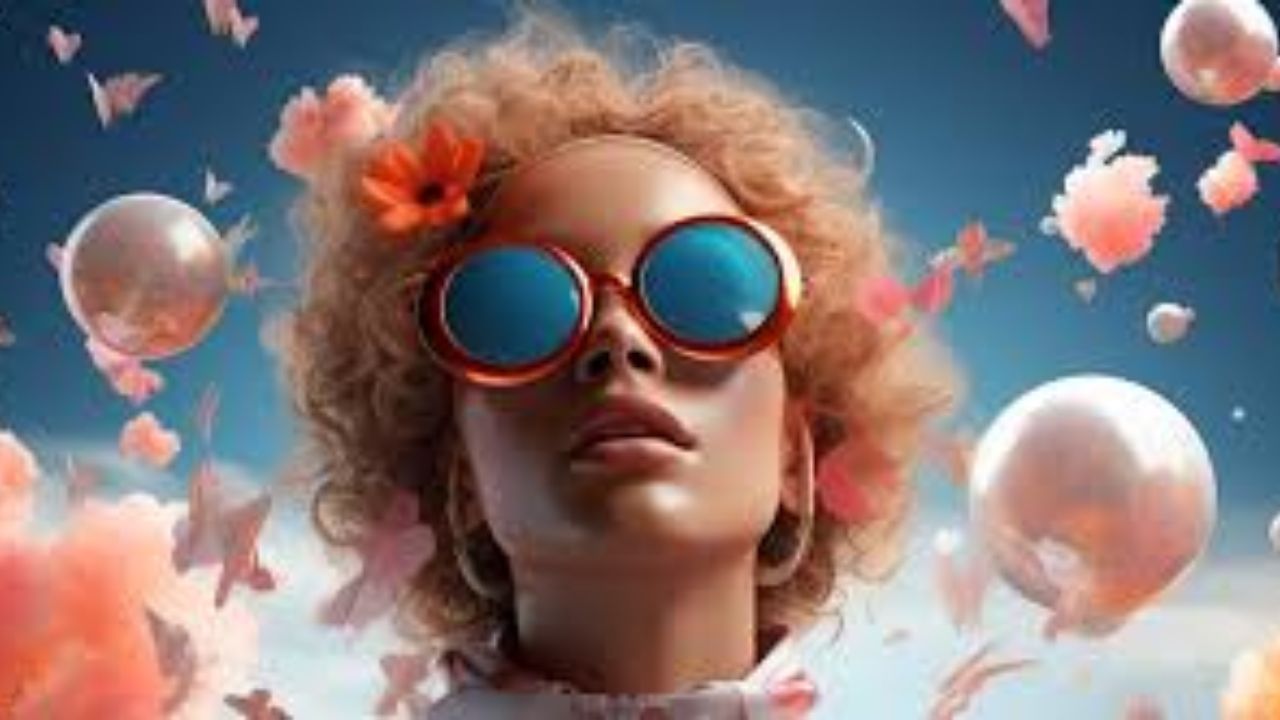
Finding a free AI image generator without watermark can be frustrating. Many tools advertise “free access” but quietly add watermarks, restrict downloads, or lock usable outputs behind paid plans. To make this easier, this guide tests and compares popular options that currently allow clean, watermark-free images on free tiers, along with their limits and real-world quality.
This comparison focuses on what matters most: output quality, usability, hidden restrictions, and whether the images are genuinely usable for blogs, social media, presentations, and learning projects.
Table of Contents
How We Tested These AI Image Generators
Each tool was tested using the same prompt set across realism, illustration, and creative styles. We evaluated:
- Watermark presence on downloaded images
- Image resolution and clarity
- Prompt accuracy and consistency
- Daily or monthly free limits
- Commercial-use clarity on free plans
Results below reflect hands-on testing rather than marketing claims.
Bing Image Creator (DALL·E-powered)
Bing Image Creator uses DALL·E technology from OpenAI and remains one of the easiest ways to generate watermark-free images for free.
What Works Well
- No visible watermark on downloads
- Strong realism and illustration quality
- Simple text-to-image workflow
- Good handling of lighting and composition
Limitations
- Requires a Microsoft account
- Daily generation speed depends on boost credits
- Limited advanced style controls
Best For
Beginners, blog illustrations, thumbnails, and general creative use without editing overhead.
Stable Diffusion (Free Web Versions)
Stable Diffusion models, developed by Stability AI, are available through several free web interfaces that do not add watermarks.
What Works Well
- Completely watermark-free outputs
- High flexibility in styles and prompts
- Strong community-driven model variety
Limitations
- Interfaces vary in reliability
- Some free hosts limit resolution or daily usage
- Prompt learning curve is steeper
Best For
Users who want creative control, experimental styles, and open-model freedom.
Leonardo AI (Free Tier)
Leonardo AI offers a generous free plan that produces clean images without watermarks, especially for illustrations and concept art.
What Works Well
- No watermark on free outputs
- Consistent illustration quality
- Preset styles for faster results
Limitations
- Daily token limits
- Realistic faces can be inconsistent
- Some advanced features are paid
Best For
Game assets, character concepts, and stylized visuals.
Canva AI Image Generator
Canva integrates AI image generation directly into its design platform. The tool allows watermark-free downloads on free accounts for AI-generated images.
What Works Well
- No watermark on AI images
- Seamless design + image workflow
- Easy resizing for social platforms
Limitations
- Limited prompt depth
- Less creative flexibility than dedicated generators
- Requires Canva account
Best For
Social media creators, presentations, and quick marketing visuals.
Playground AI (Free Plan)
Playground AI provides access to multiple models, including Stable Diffusion variants, with watermark-free exports on the free tier.
What Works Well
- Clean downloads without watermark
- Good balance between ease and control
- Built-in prompt history
Limitations
- Daily generation caps
- Slower queue during peak times
Best For
Learning prompt writing and testing multiple styles quickly.
Side-by-Side Comparison Summary
- Best overall free quality: Bing Image Creator
- Most creative freedom: Stable Diffusion (web versions)
- Best for illustration work: Leonardo AI
- Best for marketing layouts: Canva AI
- Best learning playground: Playground AI
All tools above produced watermark-free images during testing, but free limits and policies can change, so always recheck before heavy use.
Are Watermark-Free Images Safe for Commercial Use?
This depends on the tool’s license, not just the absence of a watermark. Some platforms allow commercial use on free tiers, while others restrict usage to personal or educational projects.
Before using images for ads, products, or client work:
- Read the tool’s usage terms
- Check if attribution is required
- Avoid restricted content categories
Watermark-free does not automatically mean unrestricted use.
Common Mistakes to Avoid
- Assuming “no watermark” equals full ownership
- Ignoring resolution limits on free plans
- Using copyrighted styles or likenesses
- Relying on one tool instead of comparing outputs
Testing the same prompt across multiple generators often yields better final results.
Final Verdict
If you need free AI image generators without watermark, there are solid options available right now. Bing Image Creator offers the most consistent results for beginners, Stable Diffusion provides unmatched flexibility, and tools like Leonardo AI and Canva AI fill important creative niches.
The best approach is not choosing one tool, but building a small stack and using each where it performs best. That way, you get clean images, better creative control, and zero watermark headaches.

Lena Park is a creative technologist specializing in image generation and audio tools, with over eight years leading multimodal AI projects for startups and media studios. Her professional background includes building GAN- and diffusion-based pipelines, designing sample-based synthesis systems, and consulting on audio-visual product roadmaps. Expertise: generative image modeling, neural audio synthesis, model evaluation, and UX for creative tools. She has published white papers on multimodal workflows, spoken at industry conferences, and contributed to open-source toolkits.